> ## Documentation Index
> Fetch the complete documentation index at: https://documentation.qonversion.io/llms.txt
> Use this file to discover all available pages before exploring further.
# Carousels
> Carousel templates provide swipeable, multi-slide layouts for showcasing content in an engaging, interactive format. Use carousels for onboarding flows, feature highlights, category navigation, and visual galleries.
All Carousel templates support:
* **Autoplay** — automatic slide advancement with configurable delay
* **Touch navigation** — swipeable on mobile devices
* **Loop mode** — infinite scrolling option
* **Pagination** — optional navigation dots
* **Extended overflow** — slides visible beyond container edges
***
### Tape Carousel
A compact, tag-style carousel with icon and uppercase label pairs. Ideal for category navigation or feature highlights with a modern, minimal design.
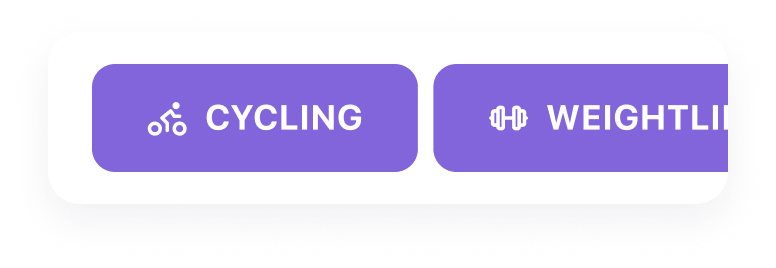 **Features:**
* Icon + text tag design
* Multiple slides visible simultaneously
* Infinite loop enabled
* No pagination dots
* Compact, badge-like appearance
**Use for:**
* Category selection (e.g., Cycling, Swimming, Yoga)
* Feature tags or highlights
* Quick navigation options
***
### Gallery Carousel
A full-width image carousel with large, bold headings overlaid on background images. Perfect for visual storytelling and immersive content presentation.
**Features:**
* Icon + text tag design
* Multiple slides visible simultaneously
* Infinite loop enabled
* No pagination dots
* Compact, badge-like appearance
**Use for:**
* Category selection (e.g., Cycling, Swimming, Yoga)
* Feature tags or highlights
* Quick navigation options
***
### Gallery Carousel
A full-width image carousel with large, bold headings overlaid on background images. Perfect for visual storytelling and immersive content presentation.
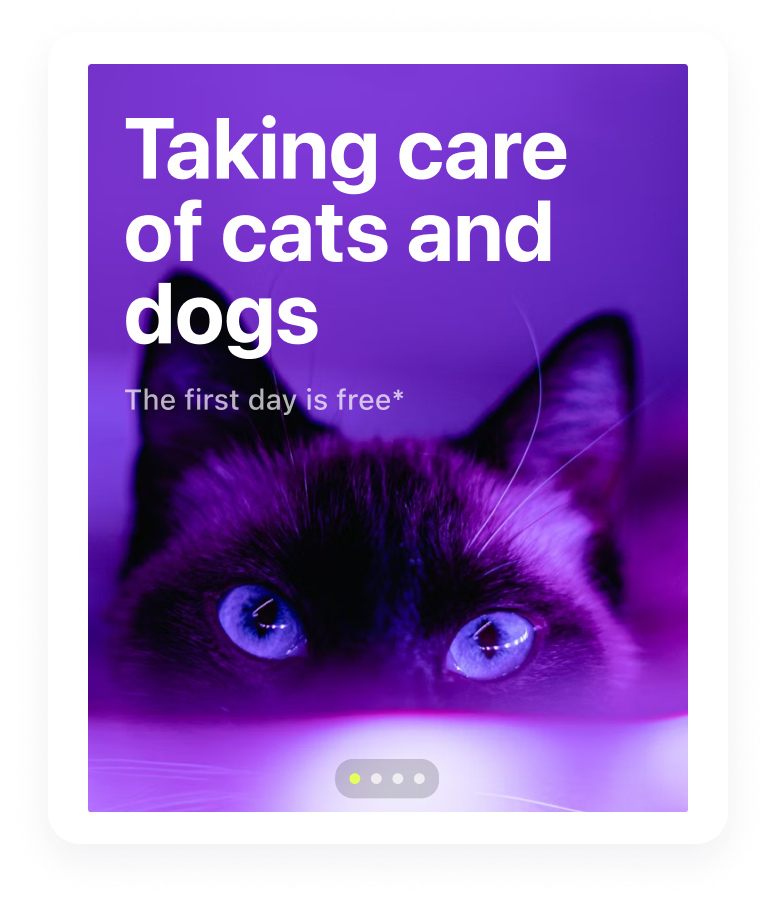 **Features:**
* Full-screen background images
* Large heading text overlay
* Internal pagination dots
* Centered slide focus
* Autoplay with smooth transitions
**Use for:**
* Onboarding flows with visual impact
* Feature showcases with imagery
* Brand storytelling sequences
* Hero sections with rotating content
***
### Cards Carousel
Colorful cards with titles displayed above each card, featuring images and descriptive text. Great for categorized content like age groups, skill levels, or product tiers.
**Features:**
* Full-screen background images
* Large heading text overlay
* Internal pagination dots
* Centered slide focus
* Autoplay with smooth transitions
**Use for:**
* Onboarding flows with visual impact
* Feature showcases with imagery
* Brand storytelling sequences
* Hero sections with rotating content
***
### Cards Carousel
Colorful cards with titles displayed above each card, featuring images and descriptive text. Great for categorized content like age groups, skill levels, or product tiers.
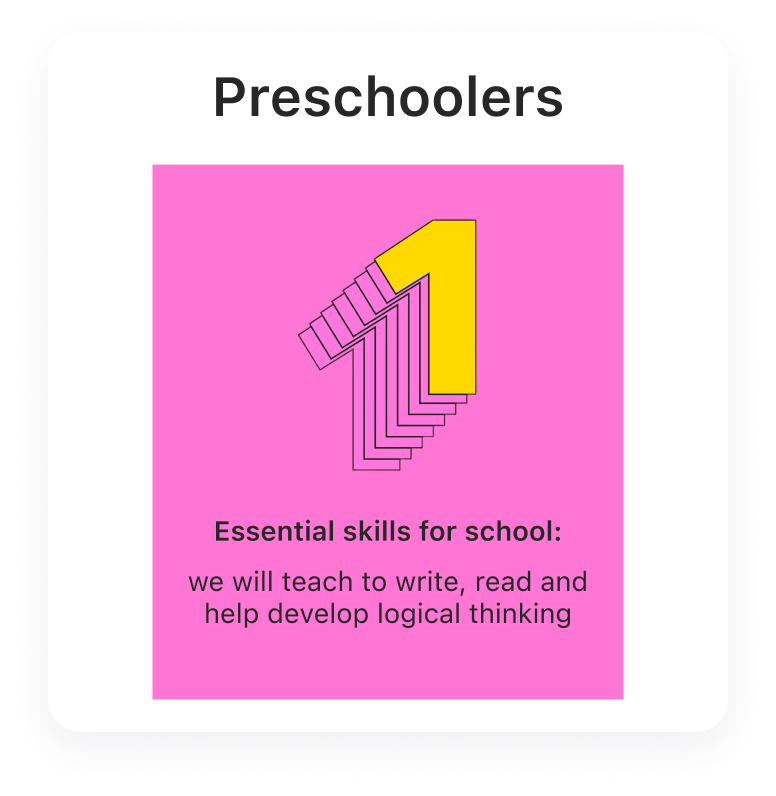 **Features:**
* Title positioned outside (above) the card
* Colored background containers
* Image area with flexible sizing
* Heading and description text
* Multiple cards visible with peek effect
* Equal height slides
**Use for:**
* Age group or tier selection
* Category browsing with descriptions
* Product or plan comparisons
* Educational content organization
***
### Reviews Carousel
A horizontal carousel displaying customer reviews with star ratings, testimonial text, and author names. Perfect for showcasing positive feedback and building trust before purchase decisions.
**Features:**
* Title positioned outside (above) the card
* Colored background containers
* Image area with flexible sizing
* Heading and description text
* Multiple cards visible with peek effect
* Equal height slides
**Use for:**
* Age group or tier selection
* Category browsing with descriptions
* Product or plan comparisons
* Educational content organization
***
### Reviews Carousel
A horizontal carousel displaying customer reviews with star ratings, testimonial text, and author names. Perfect for showcasing positive feedback and building trust before purchase decisions.
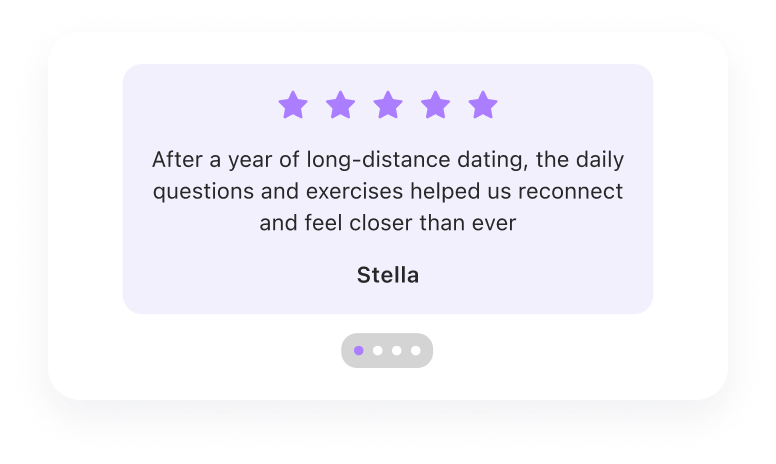 **Features:**
* 5-star rating display
* Review text with automatic wrapping
* Author name attribution
* External pagination dots
* Autoplay with 3-second default interval
* Centered slides with peek effect
**Use for:**
* Testimonial sections on paywalls
* Customer feedback highlights
* Trust-building before purchase decisions
Also available in [Social Proof](social-proof) category.
***
### Products Slider
A horizontal carousel of product cards with optional badges, pricing, descriptions, and CTA buttons. Ideal for showcasing multiple subscription options in a swipeable format.
**Features:**
* 5-star rating display
* Review text with automatic wrapping
* Author name attribution
* External pagination dots
* Autoplay with 3-second default interval
* Centered slides with peek effect
**Use for:**
* Testimonial sections on paywalls
* Customer feedback highlights
* Trust-building before purchase decisions
Also available in [Social Proof](social-proof) category.
***
### Products Slider
A horizontal carousel of product cards with optional badges, pricing, descriptions, and CTA buttons. Ideal for showcasing multiple subscription options in a swipeable format.
 **Features:**
* Swipeable product cards
* Optional "Best Value" or promotional badges
* Price and description display
* CTA button per product
* Automatic select-product state handling
* Autoplay with configurable timing
**Use for:**
* Multiple subscription tier comparison
* Promotional offer showcases
* Plan browsing with detailed cards
Also available in [Product Blocks](product-blocks) category.
***
### Carousel Properties Reference
| Property | Description | Default |
| ------------------- | -------------------------------- | ------------------ |
| **Slides Per View** | Number of slides visible at once | Varies by template |
| **Space Between** | Gap between slides (px) | 15 |
| **Autoplay Delay** | Seconds between transitions | 3 |
| **Loop** | Enable infinite scrolling | Template-specific |
| **Centered** | Center the active slide | Template-specific |
| **Pagination** | Show navigation dots | Template-specific |
| **Extended** | Show slides beyond container | Template-specific |
***
### Customization
After adding a carousel template, you can customize:
**Slides:**
* Add or remove slides
* Edit slide content (text, images, icons)
* Adjust individual slide styling
**Layout:**
* Change slides per view
* Adjust spacing between slides
* Enable/disable centering
**Behavior:**
* Set autoplay speed or disable
* Toggle loop mode
* Show/hide pagination
**Styling:**
* Background colors
* Typography (fonts, sizes, colors)
* Border radius and shadows
* Padding and margins
***
### Best Practices
* **Limit slide count** — 3-5 slides optimal for engagement
* **Use consistent styling** — maintain visual harmony across slides
* **Keep content scannable** — users swipe quickly, make each slide count
* **Test autoplay timing** — ensure users have time to read content
* **Consider touch targets** — make interactive elements easy to tap
* **Preview on devices** — test carousel behavior on different screen sizes
***
***
[Social Proof](social-proof)
[CTA Buttons](cta-buttons)
**Features:**
* Swipeable product cards
* Optional "Best Value" or promotional badges
* Price and description display
* CTA button per product
* Automatic select-product state handling
* Autoplay with configurable timing
**Use for:**
* Multiple subscription tier comparison
* Promotional offer showcases
* Plan browsing with detailed cards
Also available in [Product Blocks](product-blocks) category.
***
### Carousel Properties Reference
| Property | Description | Default |
| ------------------- | -------------------------------- | ------------------ |
| **Slides Per View** | Number of slides visible at once | Varies by template |
| **Space Between** | Gap between slides (px) | 15 |
| **Autoplay Delay** | Seconds between transitions | 3 |
| **Loop** | Enable infinite scrolling | Template-specific |
| **Centered** | Center the active slide | Template-specific |
| **Pagination** | Show navigation dots | Template-specific |
| **Extended** | Show slides beyond container | Template-specific |
***
### Customization
After adding a carousel template, you can customize:
**Slides:**
* Add or remove slides
* Edit slide content (text, images, icons)
* Adjust individual slide styling
**Layout:**
* Change slides per view
* Adjust spacing between slides
* Enable/disable centering
**Behavior:**
* Set autoplay speed or disable
* Toggle loop mode
* Show/hide pagination
**Styling:**
* Background colors
* Typography (fonts, sizes, colors)
* Border radius and shadows
* Padding and margins
***
### Best Practices
* **Limit slide count** — 3-5 slides optimal for engagement
* **Use consistent styling** — maintain visual harmony across slides
* **Keep content scannable** — users swipe quickly, make each slide count
* **Test autoplay timing** — ensure users have time to read content
* **Consider touch targets** — make interactive elements easy to tap
* **Preview on devices** — test carousel behavior on different screen sizes
***
***
[Social Proof](social-proof)
[CTA Buttons](cta-buttons)